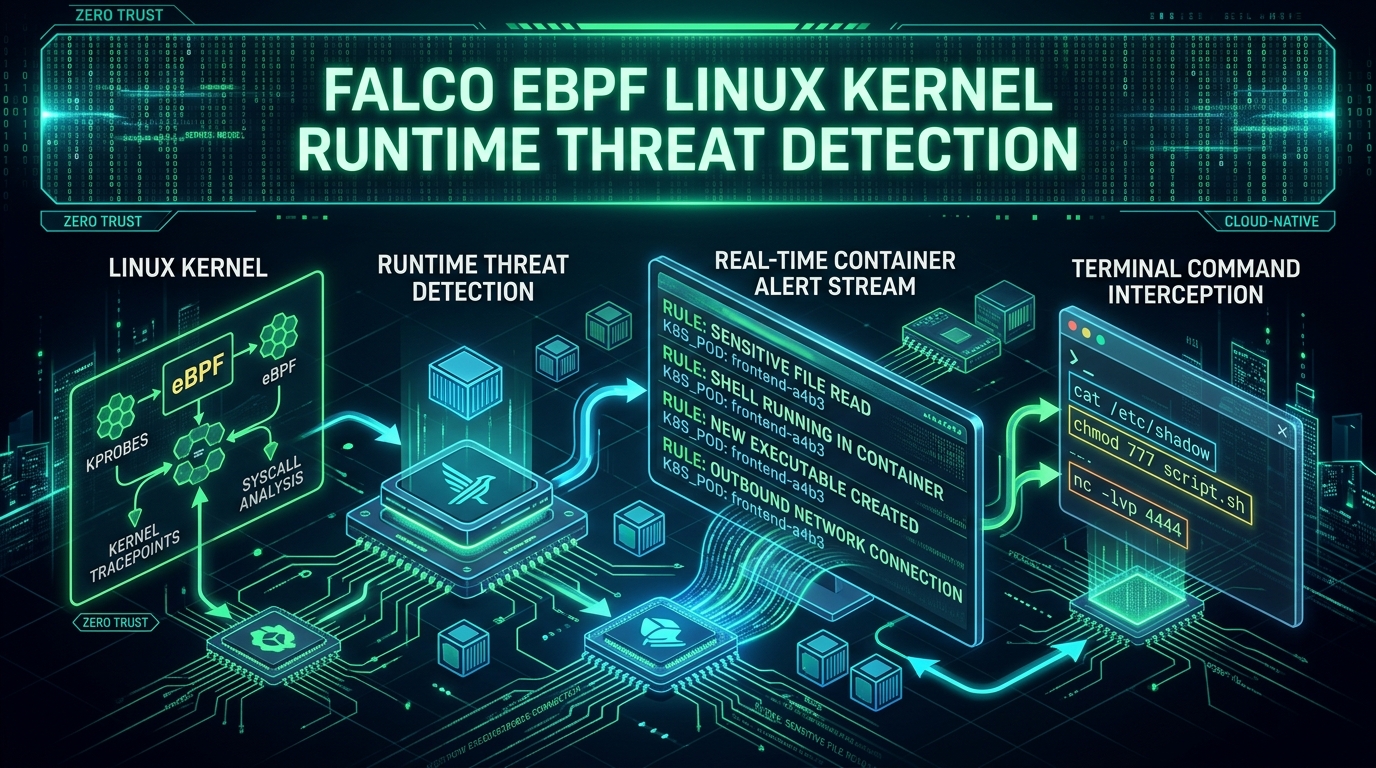
Preventing unauthorized access through static configuration is critical, but once an attacker bypasses application-level defenses, runtime security becomes the last line of defense.
In this second part of our Kubernetes Hardening & Threat Hunting playlist, we deploy Falco (kernel-level eBPF monitoring) to detect malicious container execution in real-time, and enforce zero-trust microsegmentation using Cilium eBPF NetworkPolicies.
1. Zero-Trust Microsegmentation with Cilium eBPF
By default, all pods in a Kubernetes cluster can communicate with every other pod across namespaces. Standard iptables NetworkPolicies operate at Layer 3/4, but Cilium eBPF provides deep Layer 7 application visibility without proxy overhead.
Layer 7 Cilium Network Policy Example
Restrict the frontend deployment to only issue GET /api/v1/health and POST /api/v1/data requests to the backend service:
apiVersion: "cilium.io/v2"
kind: CiliumNetworkPolicy
metadata:
  name: l7-strict-policy
  namespace: production
spec:
  endpointSelector:
    matchLabels:
      app: backend
  ingress:
  - fromEndpoints:
    - matchLabels:
        app: frontend
    toPorts:
    - ports:
      - port: "8080"
        protocol: TCP
      rules:
        http:
        - method: "GET"
          path: "/api/v1/health"
        - method: "POST"
          path: "/api/v1/data"
2. Kernel Anomaly Detection with Falco & eBPF
Falco instruments kernel system calls via eBPF probes. Unlike log aggregators, Falco detects privilege escalation, file tampering, and shell execution instantly at the kernel layer.
Writing Custom Falco Rules
Rule 1: Detecting Interactive Shell Execution inside Production Containers
- rule: Production Interactive Shell Spawned
  desc: Detect when a user or attacker executes bash/sh inside a container
  condition: >
    spawned_process and container and
    proc.name in (bash, sh, zsh, dash) and
    k8s.ns.name = "production"
  output: >
    CRITICAL: Interactive shell spawned in production container
    (user=%user.name pod=%k8s.pod.name ns=%k8s.ns.name process=%proc.name cmdline=%proc.cmdline)
  priority: CRITICAL
  tags: [container, mitre_execution]
Rule 2: Detecting Container Escape via cgroups Release Agent (CVE-2022-0492)
- rule: Container Release Agent Modification
  desc: Detect writes to cgroup release_agent file commonly used for container escapes
  condition: >
    open_write and container and
    fd.name endswith "/release_agent"
  output: >
    ALERT: Potential container escape attempt via cgroup release_agent
    (user=%user.name process=%proc.name file=%fd.name pod=%k8s.pod.name)
  priority: EMERGENCY
  tags: [privilege_escalation, container_escape]
3. Incident Response Playbook for K8s Pod Compromise
When Falco triggers an emergency alert:
# 1. Isolate the pod via network policy labels
kubectl label pod compromised-pod-x92j status=quarantined --overwrite

# 2. Dump pod process memory and log state
kubectl logs compromised-pod-x92j --all-containers > incident_logs.log

# 3. Create a cluster snapshot for forensic review
kubectl get pod compromised-pod-x92j -o json > pod_forensic_manifest.json

# 4. Terminate the compromised pod
kubectl delete pod compromised-pod-x92j --grace-period=0 --force
Summary of Playlist Curriculum
- Part 1: Control Plane Hardening, API Server Auditing & ServiceAccount Token Isolation.
- Part 2: Cilium L7 Microsegmentation, Falco eBPF Kernel Threat Hunting & Forensic Incident Response.
// Discussion